Tools
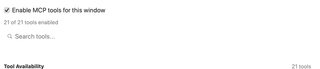
Manage window-level MCP access, search the tool catalog, and configure individual tool availability. The sections below show each tool separately so its controls and description remain readable.
Open Settings → MCP Server → Tools. RepoPrompt defines 31 total domain tools, of which 21 are advertised to standard external MCP clients (composed of 3 global tools — app_settings, bind_context, and manage_workspaces — and 18 window-scoped tools). The remaining 10 policy-gated and sub-agent internal tools are reserved for eligible Agent Mode sessions and cross-session oversight.
The screenshots on this page (tools.png and individual tools-*.png captures) are historical captures showing the 21 advertised tool descriptions expanded. There are minor differences in parameter naming (such as search_pattern vs pattern and regex flag descriptions) and legacy window-selector wording compared to the latest code (MCPDomainToolCatalog.swift). For current arguments, response behavior, and examples, see the MCP Server Tools Reference.View the complete MCP Tools screenshot (historical capture)

Access, search, and availability
Enable MCP tools for this window is the same window-level gate as the switch on MCP Server. Turning it off disables the individual switches in this pane.
Individual tool switches are saved in an app-wide disabled-tools list shared by windows. They are not separate per-window preferences, despite the captured pane's introductory wording. Changes notify connected clients that the tool list changed.
Search tools… filters names and descriptions without changing enablement. The count shows how many tools are enabled; with a search, the list also shows how many matching tools are enabled. More… expands a long description and Show less collapses it. Expanding a description does not run the tool.
If the list says No tools discovered, start the MCP server and connect a client. Tools restricted to particular agent contexts are omitted from this general settings list. Enabling a tool does not bypass workspace permissions or the tool's own input and approval checks.
agent_explore
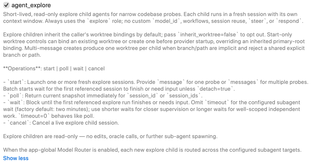
Launches short-lived, read-only child agents for narrow repository investigations. Each gets a fresh context and the Explore role. Operations are start, poll, wait, and cancel; a batch can start multiple independent probes. See the agent_explore contract.
Explore children cannot edit files, call Oracle, or spawn more agents. They inherit worktree bindings by default, with an opt-out. When Model Router is enabled, new explore children can be routed across eligible targets.
agent_manage
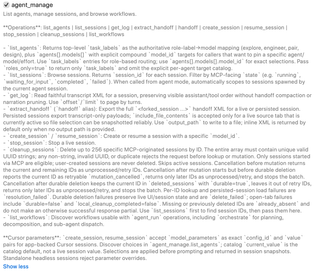
Lists agent choices, model and role mappings, sessions, and workflows. It also reads session logs, exports handoffs, creates or resumes sessions, stops sessions, and cleans up eligible MCP-created sessions.
list_agents supplies the current role mappings and exact model identifiers. get_log reads transcript turns; handoff export prepares context for continuing elsewhere. Cleanup targets specified MCP-originated sessions and does not delete user-created sessions. See the agent_manage contract.
agent_run
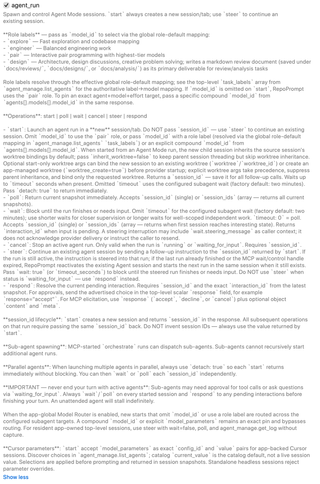
Starts and controls Agent Mode runs. start creates a new session; steer continues an existing one. poll checks immediately, wait waits for completion or input, respond resolves a pending interaction, and cancel stops an active run.
Use the returned session and interaction identifiers for follow-up calls. Role labels use the configured Agent Models mapping; an exact compound model identifier pins a target. Model Router can choose for eligible starts using a role or omitted model. See the agent_run contract and Model Router.
app_settings
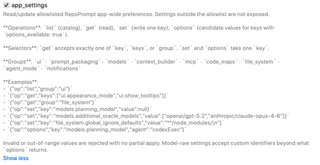
Reads and updates the allowed set of app-wide preferences. list discovers settings, get reads values, set writes one key, and options discovers supported choices where available.
Only exposed settings can be changed; invalid or out-of-range values are rejected. The current implementation also exposes notification preferences, matching the Notifications pane. See the app_settings contract and the full App Settings Tool reference.
apply_edits
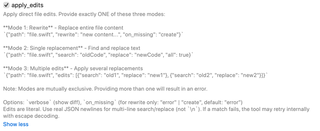
Edits file contents using exactly one mode: replace the whole file with rewrite, replace matching text with search and replace, or apply a list of edits. Mixing modes is rejected.
Replacements are literal text. A rewrite can opt into creating a missing file with on_missing; otherwise a missing file is an error. Enable this tool only when clients should be able to request file-content changes under the applicable permissions. See the apply_edits contract.
bind_context
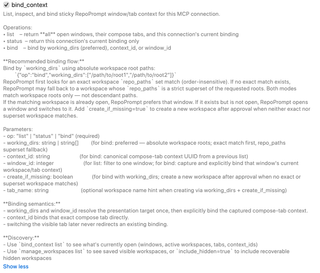
Lists available contexts, reports the connection's current binding, and binds a client to a specific workspace context. Prefer absolute workspace root paths in working_dirs, or use a returned context_id.
The binding is retained for that MCP connection. Switching the visible tab does not redirect an existing binding. The captured description includes legacy window selectors; newer builds make this a global context tool without an app-window selector. Use the schema advertised by your connected build. See the bind_context contract and Connection Management.
context_builder
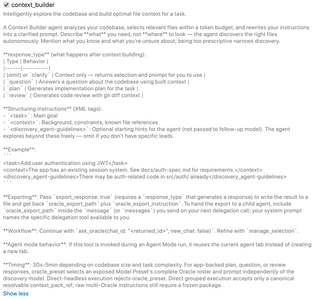
Runs a Context Builder agent to discover relevant code, select files within a token budget, and prepare a clarified prompt. Describe the task and known constraints; exhaustive file selection beforehand is not required.
The default or clarify response returns context for later use. question, plan, and review request a follow-up answer, implementation plan, or review. Response export can produce a shareable file. See the context_builder contract. Configure discovery in Context Builder and its model in Agent Models.
file_actions
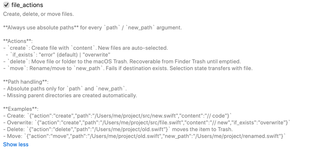
Creates, moves, or deletes files using absolute paths. A created file is automatically selected. Creation rejects existing files unless overwrite is explicitly requested; a move fails when the destination already exists.
Deletion moves files or folders to the macOS Trash, where they remain recoverable until Trash is emptied. Moving a file transfers its selection state. See the file_actions contract.
file_search
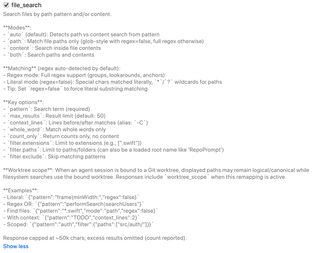
Searches file paths, file contents, or both. auto selects the mode from the pattern; explicit modes are path, content, and both. Filters can limit extensions and directories or exclude paths.
Regex matching is available; set regex=false for literal content matching or glob-style path matching. Result and output limits can truncate large searches. For an agent bound to a worktree, filesystem searching uses that worktree even when returned paths retain the canonical workspace form. See the file_search contract.
get_code_structure
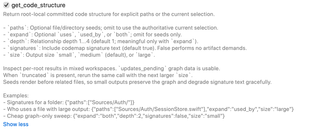
Returns root-local committed code structure for supplied files or directories, or the current selection when paths are omitted. It can include signatures and expand relationships through uses, used_by, or both.
Output size and relationship depth limit the response. If a result reports truncation, request a larger size or narrow the seeds. Update-pending information distinguishes a usable committed graph from work still being refreshed. See the get_code_structure contract.
get_file_tree
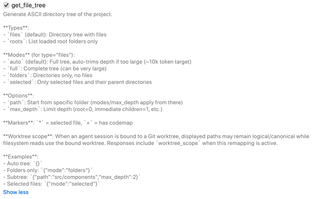
Returns a text directory tree or lists loaded root folders. Tree modes include automatic sizing, full output, folders only, and selected files with their parent directories.
Use path to focus a subtree and max_depth to limit traversal. Selection and Code Map markers describe workspace state. Bound-worktree searches follow the session's worktree. See the get_file_tree contract.
git
Provides read-only Git inspection: status, diff, log, show, and blame. Diff comparison choices include staged, unstaged, uncommitted, branch, and merge-base comparisons. Detail levels range from summary to full patches.
Artifact output writes review files and can make them available for later context selection. This tool does not commit or push. Use repository selectors when working with multiple roots; some history operations use the primary repository only. See the git contract.
history
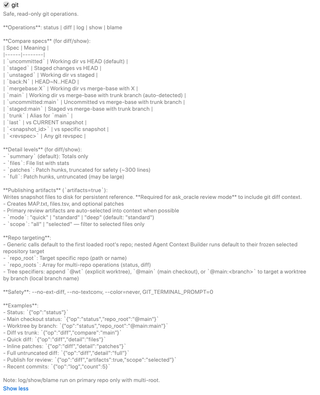
Queries past Agent Mode sessions across saved workspaces. Operations list sessions, search transcripts and summaries, retrieve a bounded session excerpt, and calculate time spent. These operations are read-only.
Use workspace filters when you want a narrower scope; binding the MCP connection to a window does not itself restrict historical searches. Time calculations use the Advanced idle threshold unless overridden per query. See the history contract.
manage_selection
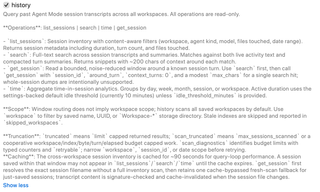
Changes the file context used by tools: get, add, remove, replace, clear, preview, promote, or demote selections. Files can be represented by full content, line slices, or Code Maps.
set can replace a selection, so use incremental add and remove when preserving existing context matters. Multi-root paths can use a root-name prefix to disambiguate files. Git artifact paths have stricter matching and representation limits than ordinary workspace files. See the manage_selection contract.
manage_workspaces
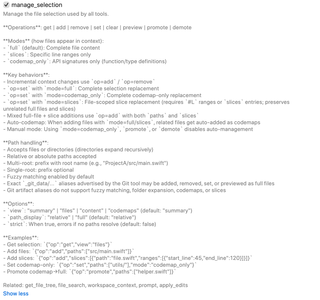
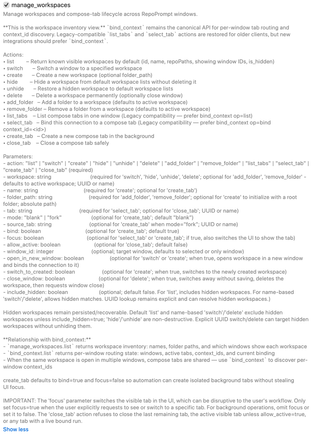
Lists, creates, switches, hides, restores, and deletes workspaces, and manages their folders and Compose tabs. Hiding keeps a workspace recoverable; deleting a saved workspace is permanent.
bind_context is the canonical tool for connection binding. Legacy tab-listing and tab-selection operations remain compatibility paths. Background tab creation can avoid stealing focus; setting focus=true visibly switches the user's tab. See the manage_workspaces contract and Connection Management.
manage_worktree
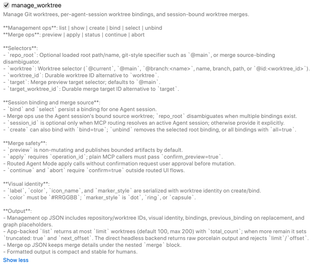
Lists, inspects, creates, and binds Git worktrees to Agent sessions. Merge operations use the session's bound source worktree and can preview, apply, inspect status, continue, or abort a merge.
Preview does not mutate the repository. Apply uses the returned operation identifier and requires the applicable confirmation; plain MCP callers use confirm_preview=true. Worktree binding is session-specific, so identify the intended session and repository when there is ambiguity. See the manage_worktree contract and Worktrees.
oracle_send
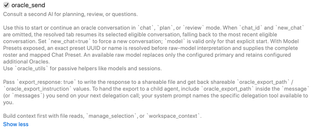
Consults Oracle for questions, planning, or review. Without an explicit chat or new-chat request, it resumes the selected eligible conversation, falling back to the most recent eligible conversation. new_chat=true starts fresh.
A model override applies only to an explicit new conversation. Exposed Model Presets can select a complete Oracle roster and Chat Preset. Response export writes a shareable file for another agent. Agent Mode can expose ask_oracle for the corresponding task. See the oracle_send contract.
oracle_utils
Provides read-only Oracle helpers: discover available model choices and list Oracle/chat sessions. It does not send an Oracle message. Use oracle_send, or ask_oracle when exposed in Agent Mode, to request a response.
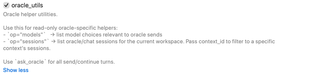
See the oracle_utils contract.
prompt
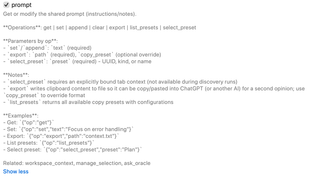
Gets, replaces, appends to, clears, or exports the shared instructions text. It also lists and selects copy presets. Selecting a preset requires an explicitly bound tab context.
Export writes the formatted prompt to a file. It does not submit that file to another AI service. A copy-preset override changes the export format. See the prompt contract.
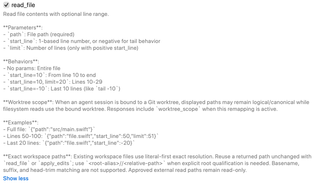
read_file
Reads a file in full or by line range. Positive start_line values are one-based; a negative value reads from the end. With a positive start, limit bounds the number of lines.
Reuse returned file paths for reliable lookup, adding a root alias when needed. For worktree-bound sessions, reads use the bound worktree. Approved external read paths remain read-only. See the read_file contract.
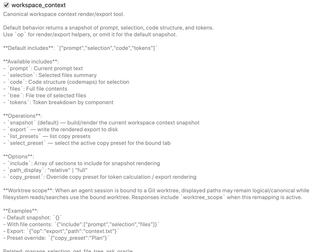
workspace_context
Returns or exports the current workspace context. The default snapshot includes the prompt, selection, code structure, and token counts. Optional sections can include full file contents or a selected-file tree.
Use include options to control the payload, or a copy-preset override to change rendering and token calculation. export writes the rendered context to disk; it does not send that context to an external service. See the workspace_context contract.
Policy-Gated and Sub-Agent Internal Tools
In addition to the 21 advertised tools above, RepoPrompt defines 10 policy-gated and sub-agent internal tools that are omitted from this general settings pane and dynamically exposed only within eligible Agent Mode sessions and authorized oversight contexts:
ask_user— Prompts the user with structured questions, optional suggested answers, and configurable timeouts.ask_oracle— Consults the configured Oracle model directly from an eligible Agent Mode session.oracle_chat_log— Reads recent Oracle conversation history (limit1–50) during an Agent Mode run without sending a new turn.agent_session_link— Manages cross-window and cross-session communication links, steering, model targeting, and auto-wake snoozing.session_admin— Administers sessions within a user-granted delegation scope, including session tree inspection, organization, worktree binding, and merge coordination.become_overseer— Requests promotion of the calling session to an overseer role to coordinate sibling sessions.self_compact— Requests self-compaction or context inspection (op="context"or"compact") of the agent's own session context.share_thoughts— Publishes reasoning thoughts or plan progress to the session timeline.set_status— Updates the human-visible status indicator on the session card.wait_for_next_user_instruction— Signals that the agent has completed its turn and is waiting for the next user instruction.
See Policy-Gated and Sub-Agent Internal Tools in the Tools Reference for details.