Using AI
RepoPrompt gives you two powerful ways to use AI with your code: copy optimized prompts to external AI services, or use the integrated Chat with professional diff editing.
Compose Mode
Build context in RepoPrompt, then use it with any AI service - ChatGPT, Claude.ai, Gemini, or any other.
Basic Copy Workflow
- Select files and configure your context (full, slices, codemaps)
- Write your prompt describing what you want
- Click Copy (or
⌘+C) - Paste into your AI of choice
- Get your response
Pro Edit Copy Workflow
For powerful reasoning models that can follow structured instructions:
- Select a Pro Edit copy preset from the preset dropdown
- Copy and paste to external AI (ChatGPT, Claude.ai, etc.)
- The model responds with structured XML change instructions
- Paste the response back into RepoPrompt's Apply panel
- Review changes in professional diff view, then apply
Best Models for Classic Edition (as suggested in June 2026): GPT-5.5 Pro (ChatGPT Pro web only), GPT-5.5 High via Codex CLI, Gemini 3 Pro, Claude Opus 4.6 — strong models for instruction following and reasoning.
When to Use Compose Mode
- Deep reasoning tasks: Use the most powerful models (GPT-5.5 Pro via ChatGPT Pro, Gemini 3 Pro) for architectural decisions
- Cost control: Use your existing ChatGPT Plus/Pro subscription, and add Claude Pro only if you want a second editing-focused option
- Privacy preferences: Some prefer keeping code in browser-based AI
- Specialized models: Access models not available via API
Chat Mode
Have AI conversations directly in RepoPrompt with your code context automatically included.
Starting a Chat
- Select your files (they become the chat's context)
- Write your prompt or question
- Click New AI Chat (or
⌘+N) - Choose your model and settings
- Send your message
Chat Modes
| Mode | Purpose | When to Use |
|---|---|---|
| Chat | Conversation & questions | Asking questions, getting explanations |
| Plan | Architecture & design | Planning changes before implementing |
| Edit | Code modifications | Making actual code changes |
Reviewing & Applying Changes
When AI suggests code changes in Edit mode:
- Changes appear in a professional diff view with syntax highlighting
- Review each file's modifications line-by-line
- Apply all changes at once, or select specific files
- Undo applied changes if needed
CLI Providers
Use your existing AI subscriptions instead of per-token API costs. This is one of RepoPrompt's most powerful features.
Available Providers
| Provider | Subscription | CLI Tool | Best Models |
|---|---|---|---|
| Claude Code | Claude Pro/Max ($20-200/mo) | claude | Opus 4.6, Sonnet 4.5 (optional for light UI work / quick fixes) |
| Codex CLI | OpenAI Plus/Pro ($20-200/mo) | codex | GPT-5.5 Low for explore/discovery; GPT-5.5 Medium for engineer/default implementation; GPT-5.5 High for heavier planning/review/pair; GPT-5.4 Medium/High/XHigh still available |
| Gemini CLI | Google AI subscription | gemini | Gemini 2.5 Pro/Flash |
Why Use CLI Providers?
- No per-token costs: Use models you're already paying for
- Latest models: Access new releases through official CLIs
- Works everywhere: Chat, Context Builder, Pro Edit all use CLI providers
- Familiar auth: Uses CLI's existing authentication
Setup Steps
-
Install the CLI:
- Claude Code:
npm install -g @anthropic-ai/claude-code - Codex:
npm install -g @openai/codex - Gemini:
npm install -g @anthropic-ai/gemini-cli
- Claude Code:
-
Login: Run
claude login,codex login, orgemini login -
Connect: In RepoPrompt, go to Settings → CLI Providers → Connect
-
Test: Verify connection with the test button
API Keys
For direct API access without CLI providers:
- Go to Settings → API Keys
- Add keys for your providers (OpenAI, Anthropic, Google, DeepSeek, etc.)
- Keys are stored securely in macOS Keychain
- Select your provider and model in Chat settings
June 2026 Recommended Models
Based on current performance and value:
Fast & Affordable
- Gemini 2.5 Flash: Excellent speed and quality balance
- GPT-5 Mini: Fast, capable, good for simple edits
- DeepSeek Chat: Very cheap with strong diff capabilities
Complex Reasoning & Coding (as suggested in June 2026)
- GPT-5.5 High (Codex CLI): Best all-around in-app coding and reasoning model in our current testing
- GPT-5.5 Pro (ChatGPT Pro web): Best for deep planning and high-value reasoning sessions — use ChatGPT Export
- Claude Opus 4.6: Still great for editing-heavy work and UI polish
- Grok 4: Capable alternative with diff support
Best Value (as suggested in June 2026)
- GPT-5.5 Low/Medium (Codex CLI): Best value split for explore and Context Builder/discovery (Low) plus engineer/default implementation (Medium) if you already use Codex CLI via ChatGPT Plus/Pro
- Claude Sonnet 4.5: Reliable, diff-capable, great balance for quick fixes
- Gemini 3 Pro Preview: Strong performance with speed
Context Window Champions (as suggested in June 2026)
- Gemini 3.0: 200K standard, 1M+ at higher pricing
- Claude models: 200K tokens
- GPT-5.4 family: 272K–1M tokens depending on interface (still the family behind the OpenAI API and OpenRouter)
Where GPT-5.5 lives: GPT-5.5 Low/Medium/High are Codex CLI-only. GPT-5.5 Pro is ChatGPT Pro web only. Neither is available via the OpenAI API, Azure OpenAI, or OpenRouter — those endpoints continue to serve GPT-5.4.
Choosing the Right Approach (as suggested in June 2026)
| Use Case | Recommended Approach |
|---|---|
| Quick questions, explanations | Chat mode with fast model (Gemini Flash, GPT-5 Mini) |
| Simple single-file edits | Chat mode in Edit mode |
| Complex multi-file refactors | Chat mode with Pro Edit enabled |
| Deep architectural planning | Compose + GPT-5.5 Pro (ChatGPT Pro) for plan → Chat with GPT-5.5 High (Codex CLI) for implementation |
| Cost-sensitive usage | CLI Providers with existing subscription |
| Large codebase context | Context Builder → Pro Edit with high-context models |
Pro Workflow: Use Context Builder (default: GPT-5.5 Low via Codex CLI) to select files → Compose with GPT-5.5 Pro on ChatGPT Pro for a detailed plan → Chat with GPT-5.5 Medium via Codex CLI in RepoPrompt to implement (or High for heavier review/pair sessions) → optionally use Claude Code on Claude Pro for light UI polish or quick fixes.
Video Tutorials
Learn these concepts in action:
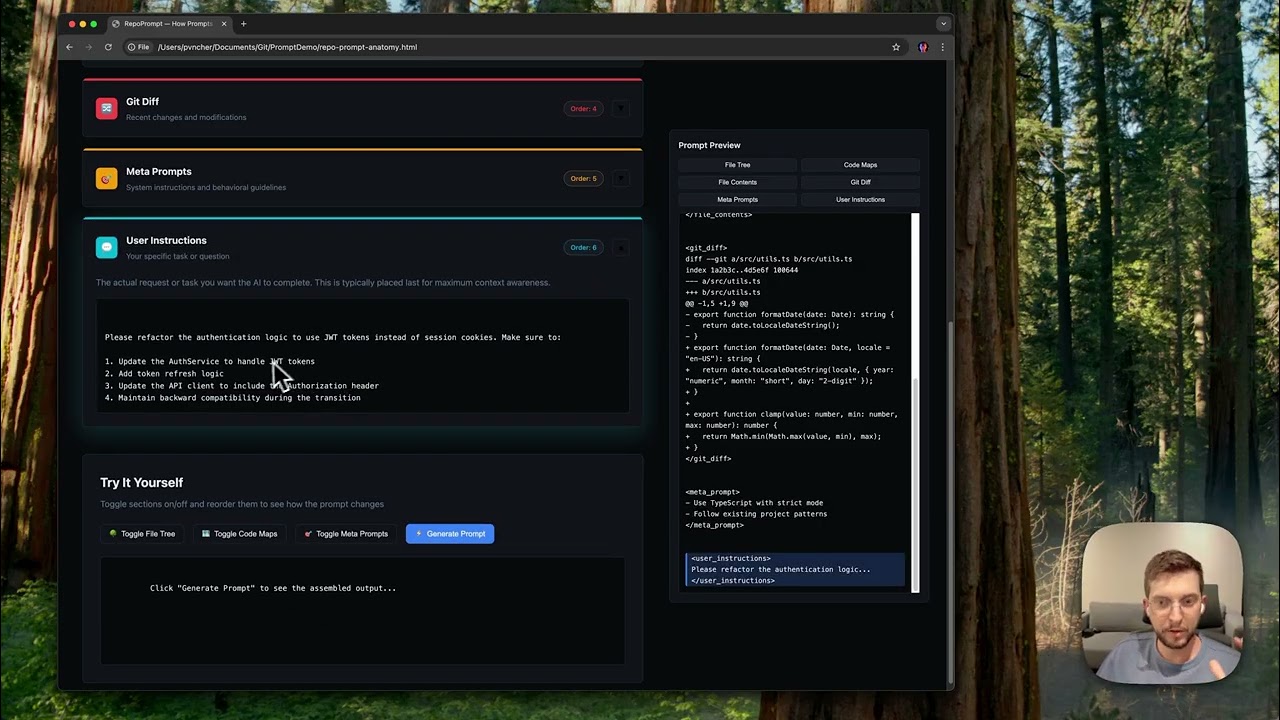 What is RepoPrompt for? Prompt building essentials. Try the interactive demo at repoprompt.com/prompt-anatomy
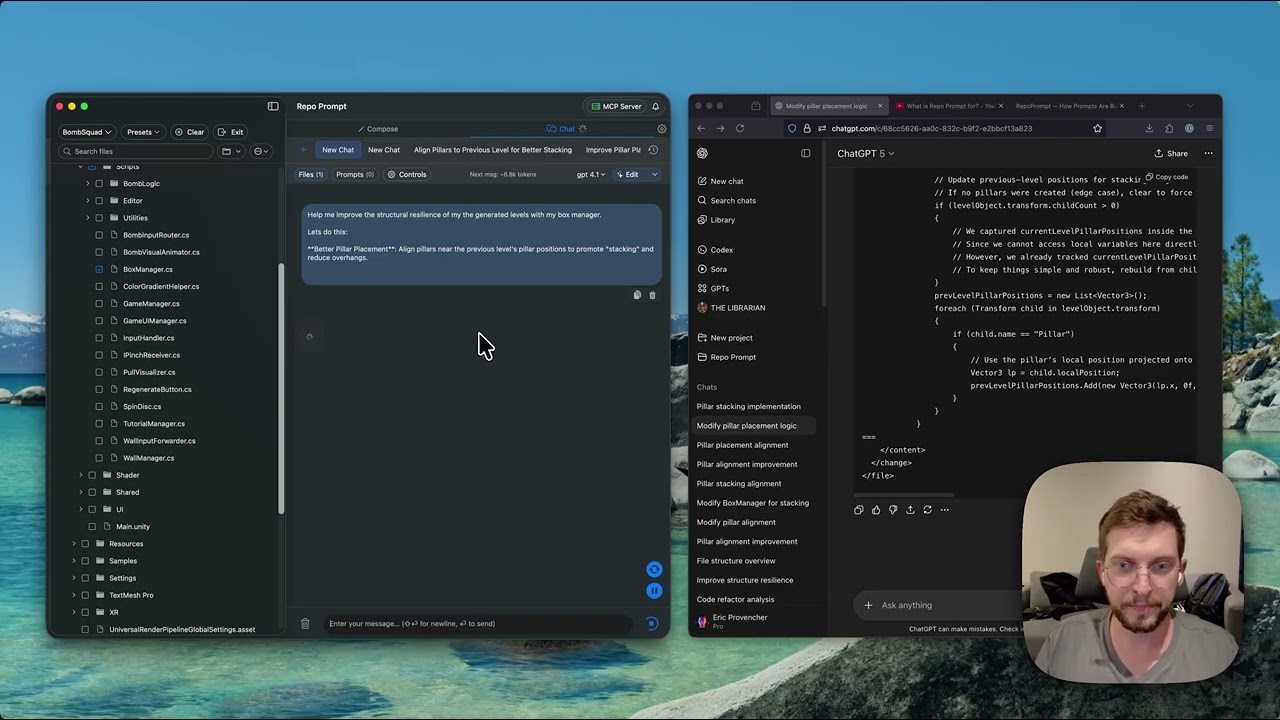 Rapid Iteration with RepoPrompt Multi-file edits via XML modes. Best with GPT 4.1, Claude Sonnet 4.5
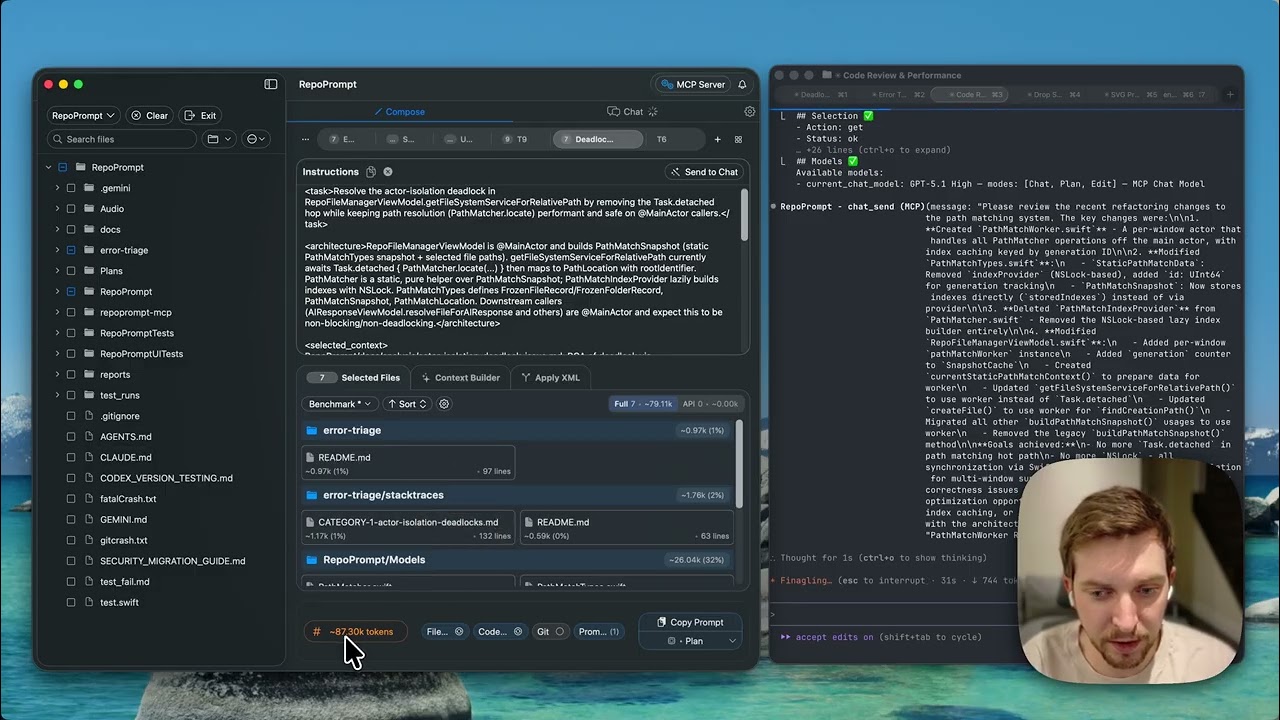 Fitting RepoPrompt into Agent Workflows Context Builder → GPT-5.5 Pro plan → GPT-5.5 High (Codex) implementation → review