Reference
:::caution Historical source
This archived guide mixes later CE availability wording with historical IDE/Apply and token-limit descriptions. It is preserved for reference, not as the current CE feature or pricing specification.
:::
Supported AI Providers
API Providers
| Provider | Top Models | Context |
|---|---|---|
| OpenAI | GPT-5.4 family, GPT-5 Mini | 272K–1M |
| Anthropic | Claude Opus 4.6, Claude Sonnet 4.5, Claude Haiku 4.5 | 200K |
| Gemini 2.5 Pro, Gemini 2.5 Flash, Gemini 3 Pro | 1M+ | |
| DeepSeek | DeepSeek V3, DeepSeek R1 | 128K |
| xAI | Grok 4 | 128K |
| Azure OpenAI | Custom deployments | Varies |
| OpenRouter | Access to multiple providers | Varies |
| Fireworks | Qwen3, Kimi K2, GLM-4 | Up to 32K |
| Ollama | Local models | Varies |
| Custom | Any OpenAI-compatible endpoint | Varies |
CLI Providers (Use Existing Subscriptions)
| Provider | Subscription | CLI | Best Models |
|---|---|---|---|
| Claude Code | Claude Pro/Max | claude | Opus 4.6, Sonnet 4.5 (optional for light UI work / quick fixes) |
| Codex CLI | OpenAI Plus/Pro | codex | GPT-5.5 Low for explore/discovery; GPT-5.5 Medium for engineer/default implementation; GPT-5.5 High for heavier planning/review/pair; GPT-5.4 Medium/High/XHigh still available |
| Gemini CLI | Google AI | gemini | Gemini 2.5 Pro/Flash |
Model Recommendations
Fast & Affordable
- Gemini 2.5 Flash: Excellent speed/quality, diff-capable
- GPT-5 Mini: Fast, good for simple edits
- DeepSeek Chat: Very cheap with strong diff support
Complex Coding & Reasoning
- GPT-5.5 High (Codex CLI): Best all-around in-app coding and reasoning model in our current testing
- GPT-5.5 Pro (ChatGPT Pro web): Best for deep planning and high-value reasoning sessions
- Claude Opus 4.6: Still excellent for editing-heavy work and UI polish
- Grok 4: Capable alternative with diff support
Best Overall Value
- GPT-5.5 Low/Medium (Codex CLI): Best value split for explore and Context Builder/discovery (Low) plus engineer/default implementation (Medium) if you already use Codex CLI via ChatGPT Plus/Pro
- Claude Sonnet 4.5: Reliable, diff-capable, great for quick fixes
- Gemini 3 Pro Preview: Strong performance with speed
Our current recommendation is to center your setup on OpenAI Plus/Pro so you can run GPT-5.5 Low/Medium/High via Codex CLI and GPT-5.5 Pro on ChatGPT Pro web. If you want Claude Code as a secondary option, Claude Pro is usually enough for light UI work and fast fixes.
GPT-5.5 availability: GPT-5.5 Low, Medium, and High are Codex CLI-only, and GPT-5.5 Pro is ChatGPT Pro web only. GPT-5.5 is not offered through the OpenAI API, Azure OpenAI, or OpenRouter — those continue to serve GPT-5.4.
Keyboard Shortcuts
| Shortcut or gesture | Action |
|---|---|
⌘+C | Copy prompt to clipboard |
⌘+N | Start new AI chat |
⌘+O | Open folder/workspace |
⌘+F | Search files |
⌘+, | Open Settings |
⌘+T | New compose tab |
URL Scheme
Open workspaces directly via URL:
repoprompt://open?path=/path/to/folder
Availability
RepoPrompt Community Edition is free and open source. Download releases or contribute through the Community Edition repository.
Platform
- macOS: Available now (Mac App Store or direct download)
- Windows/Linux: Not currently available - RepoPrompt is built natively with Swift/SwiftUI
Support & Community
RepoPrompt is developed by a solo developer. Get help:
- Discord: Join the community
Video Tutorials
Watch the complete tutorial playlist:
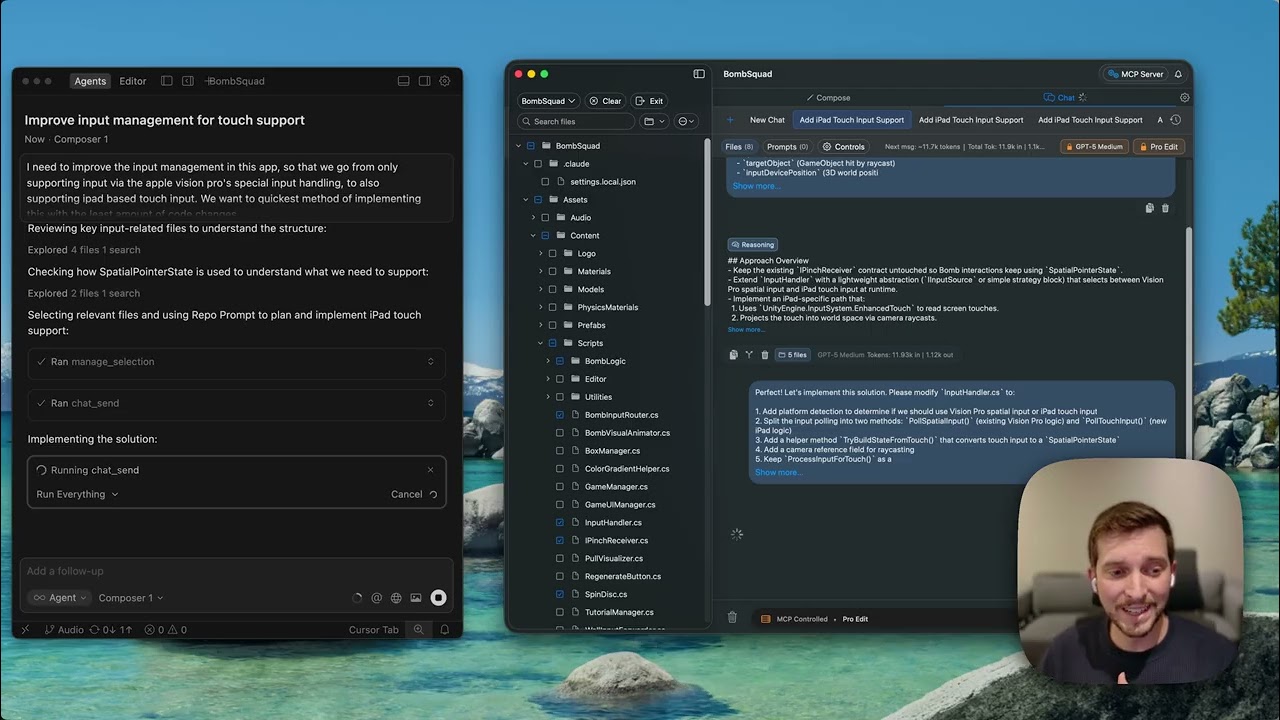 MCP + Cursor Oracle Pair MCP with Cursor, use CLI providers as API backends
RepoPrompt 101 Full Tutorial Playlist Complete walkthroughs covering all RepoPrompt features